Change Password
To change the present administrator's password, select Change Password under System Setup. The following screen will appear.
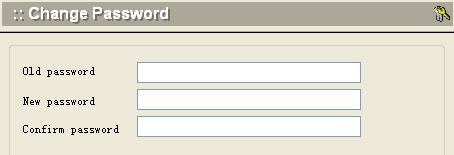
- Enter the old password, then type in a new password twice.
- Click the Apply button at the bottom of the screen when finished.